Zilum

Screenshots for Windows 11

Capture, mark it up, copy.

Download from GitHub

Version 0.1.0 · 1.1 MB · Free and open source, MIT
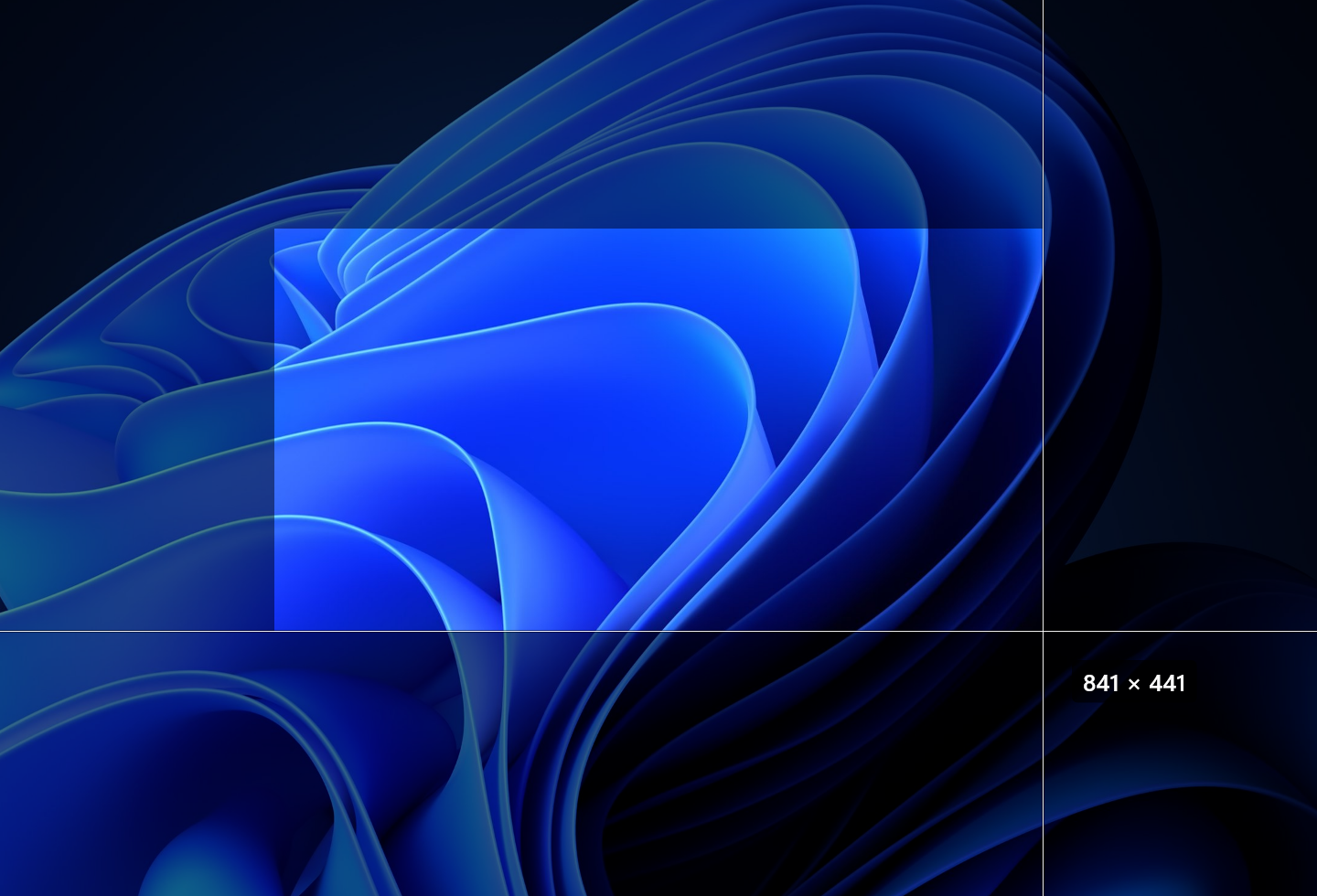
The overlay over the Bloom wallpaper mid-drag: the selection lit, the screen around it dimmed, and 841 × 441 beside the pointer.
PrintScreen freezes the screen. Drag a region or click a window.
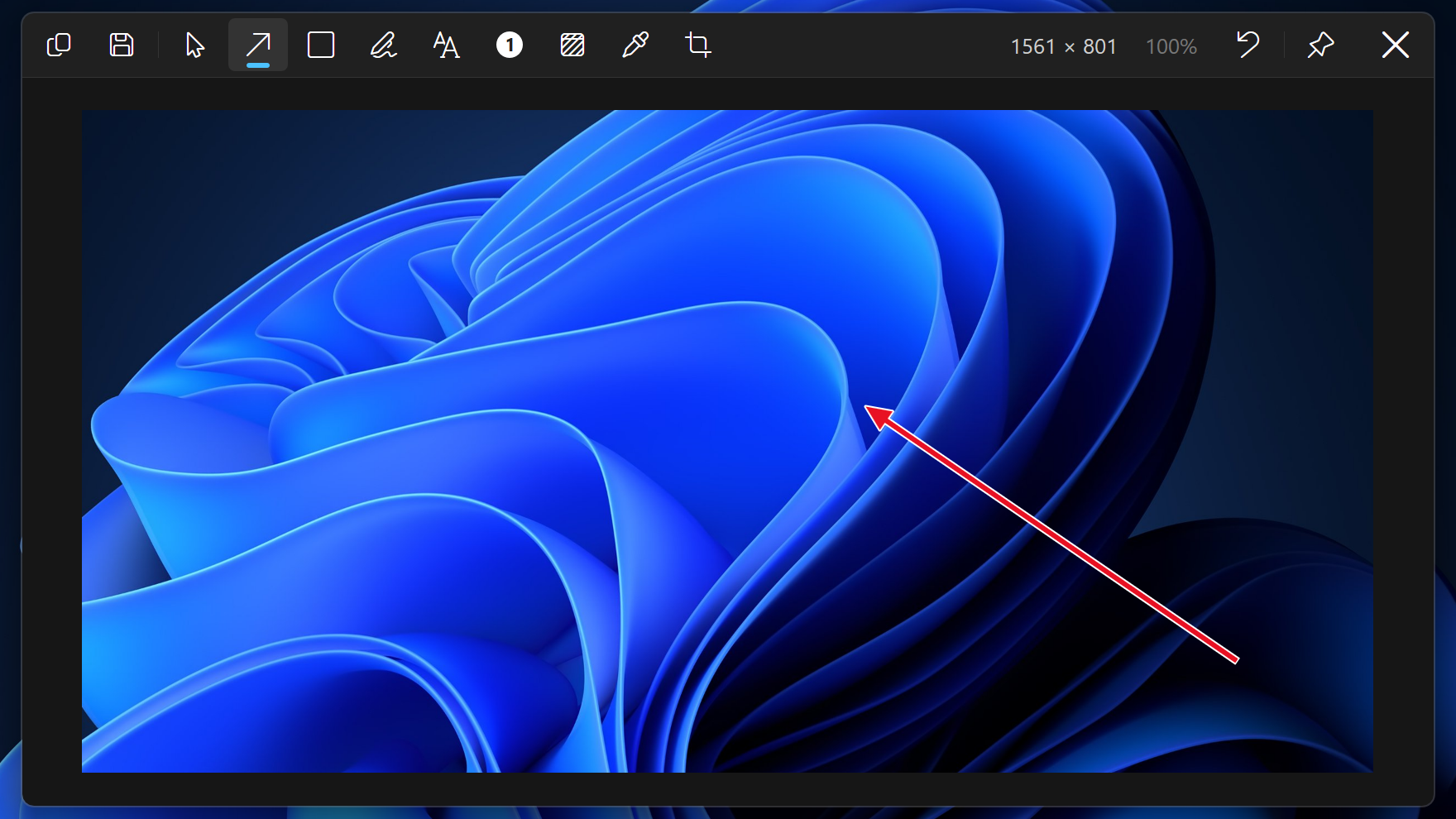
The Zilum editor over a region capture of the Windows 11 Bloom wallpaper, its bar along the top and one red arrow placed.
Arrows, rectangles, pen, text and numbered badges. Copy or save from the same bar.
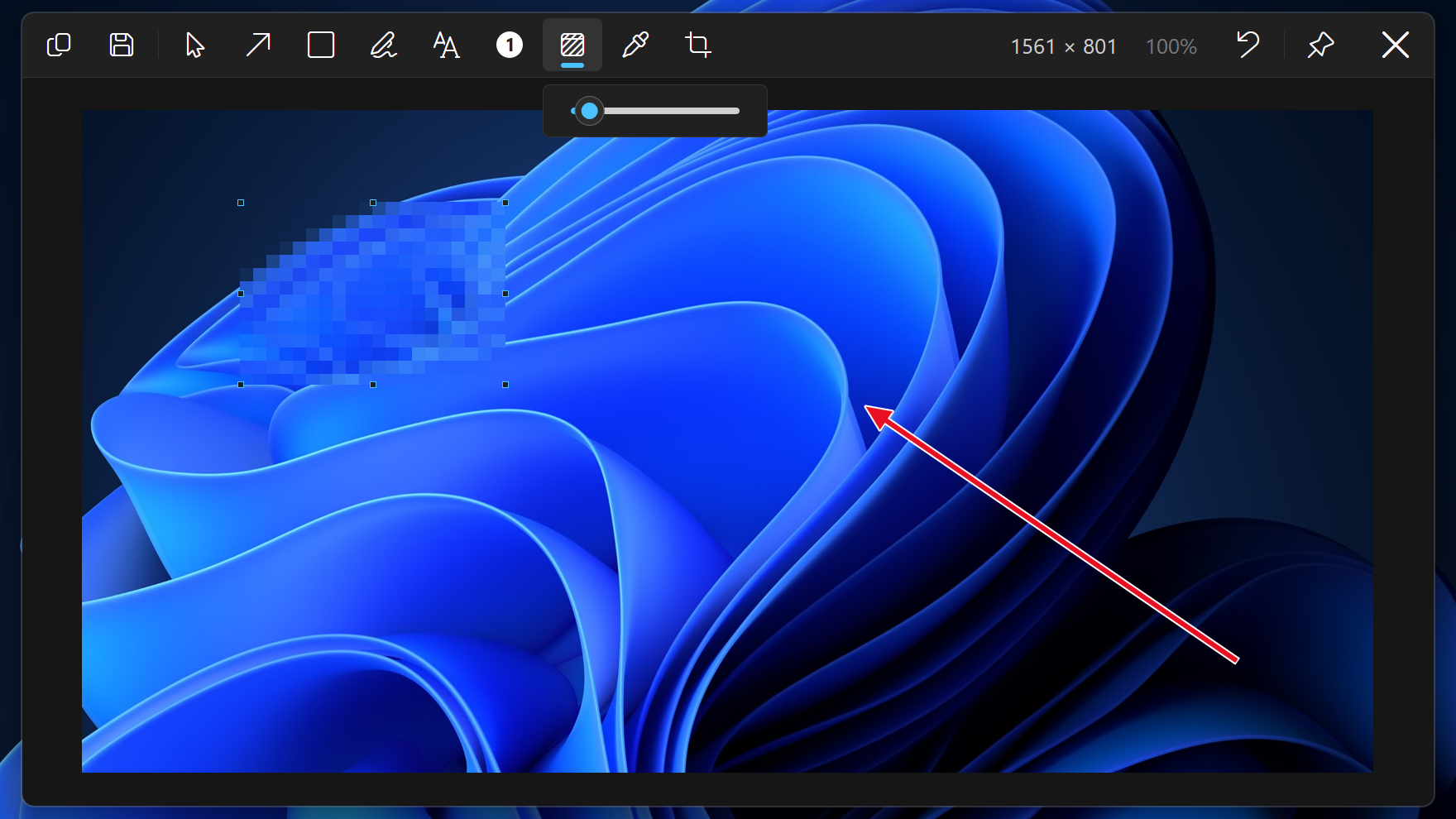
The editor with a red arrow and a blur placed on a capture of the Bloom, the blur selected and its Level slider open under the bar.
Blur a region in one drag, and set how coarse it is.
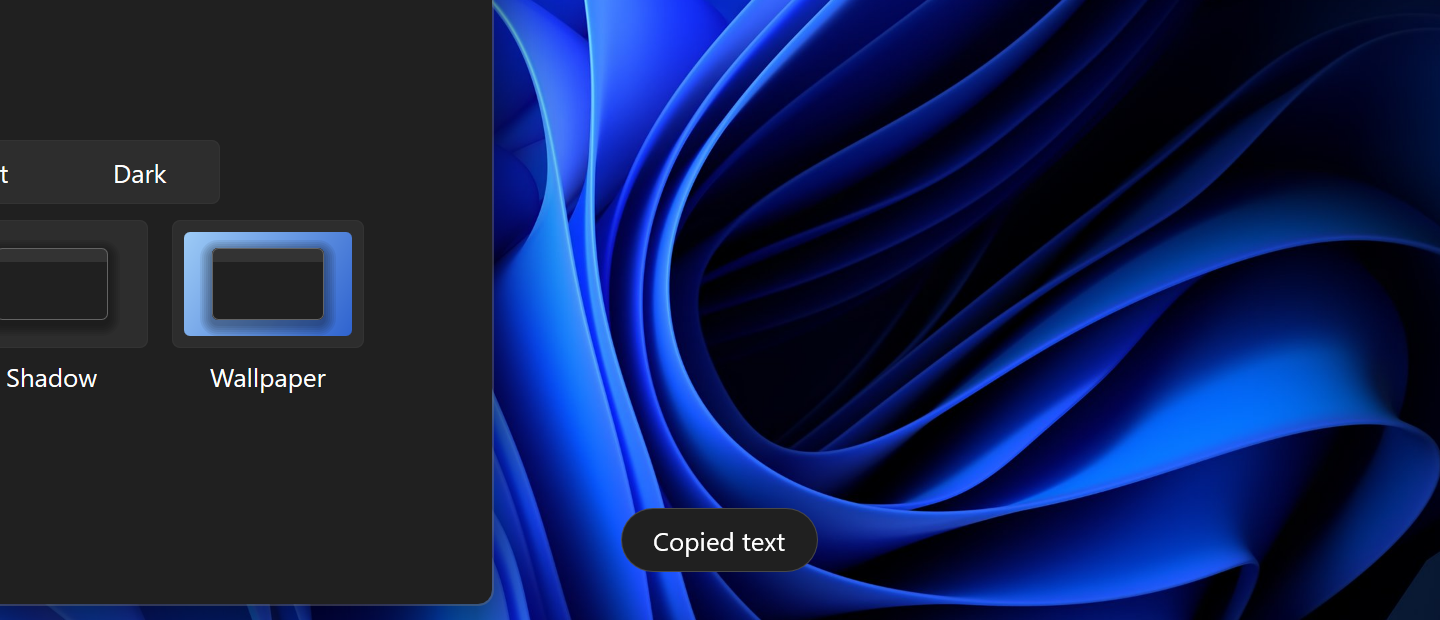
The Notice “Copied text” on the Bloom wallpaper, beside the edge of Zilum's Settings window.
Copy the text in a region instead of the image, with the OCR built into Windows.

From the key to the overlay on screen

Zilum
50 ms
Snipping Tool
198 ms

Method and raw data One machine, warm runs, median of 30.